



SMS Marketing Software
- In stock
Inhouse product





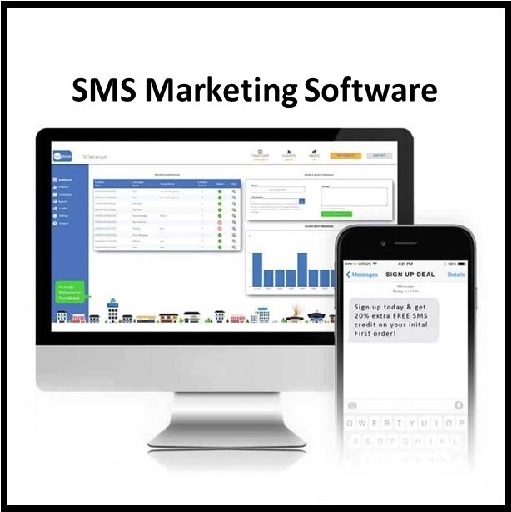

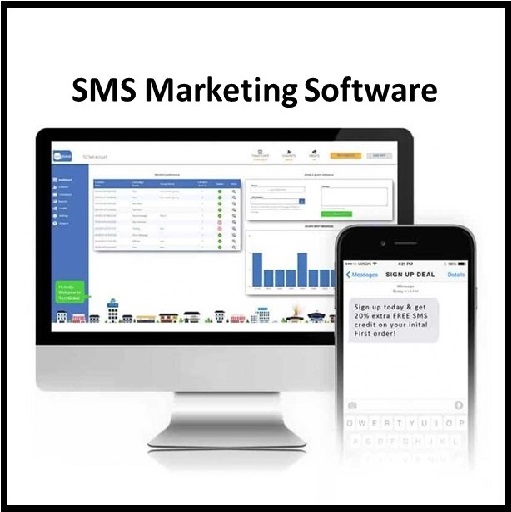
SMS marketing software is a tool that helps businesses in sending messages in bulk to present and potential customers informing them about any promotional offers, discount coupons, new product launches, or marketing events. It is software to send SMS to Mobile Numbers from a PC. You can send multiple SMS at once through your connected Android Phones.
Key Features
➡Send SMS through Android phones via PC.
➡SMS Cost as you can buy unlimited SMS Packs from Airtel/ Vodafone/Idea and other GSM operators.
➡Send SMS to All DND/NON-DND Mobile Numbers.
➡Send unique or personalized SMS to every Contact using Excel File Data.
➡Send message in many different Languages (Unicode).
➡Sent messages can easily be saved and viewed by the user.
➡Compatible with All Android Phones.
➡Internet connection is required to send SMS.
How It Works
➡Ensure "SMS Sender Modem Pro App" is installed on Mobile and your mobiles have SMS pack or enough balance to send SMS.
➡Connect your Android Phone with Local Network Using Wi-Fi
➡Open SMS Sender Modem Pro App
➡Set SMS Sender Modem Pro as Default SMS Sending App
➡Select PC Sync from Top-Right Menu
➡Login with the Same Email as you use in Software
➡An IP is Generated for Connection
➡Start Android Bulk SMS Sender.
➡Click 'Add Android Phones' Button
➡Enter IP Address Displayed in SMS Sender Modem Pro App
➡Click 'Add' Button
➡List of Connected Android Phone is Displayed
➡Add or Import Mobile Numbers of recipients.
➡Apply SMS text.
➡You can also send unique PERSONALIZED SMS for each recipient using Excel Data
Related products
E-Marketing Software